Educational Extension for pygame
Educational extension for pygame
frameCraft brings visual programming into the classroom
Game development, simulations, and visual programming are highly motivating for students. However, getting started with traditional frameworks often introduces unnecessary technical complexity in the classroom.
frameCraft adds a didactically reduced layer on top of pygame: learners can build interactive projects more quickly and focus on logic, algorithms, states, and modeling instead of engine details.
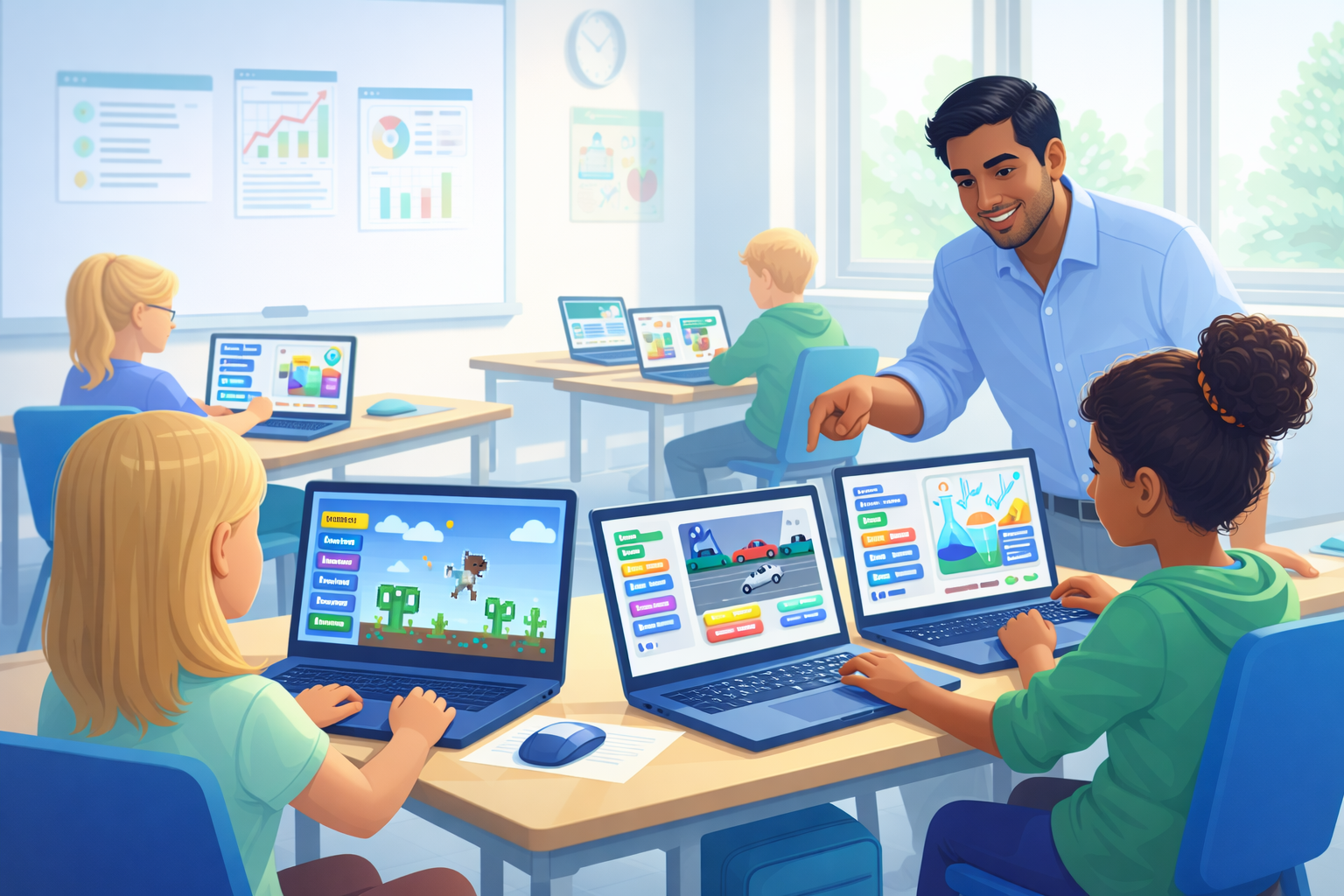
Lower barriers to entry, visible results, and clear game structures: frameCraft makes pygame more accessible for everyday classroom use.
Why frameCraft?
Less engine detail, more computer science
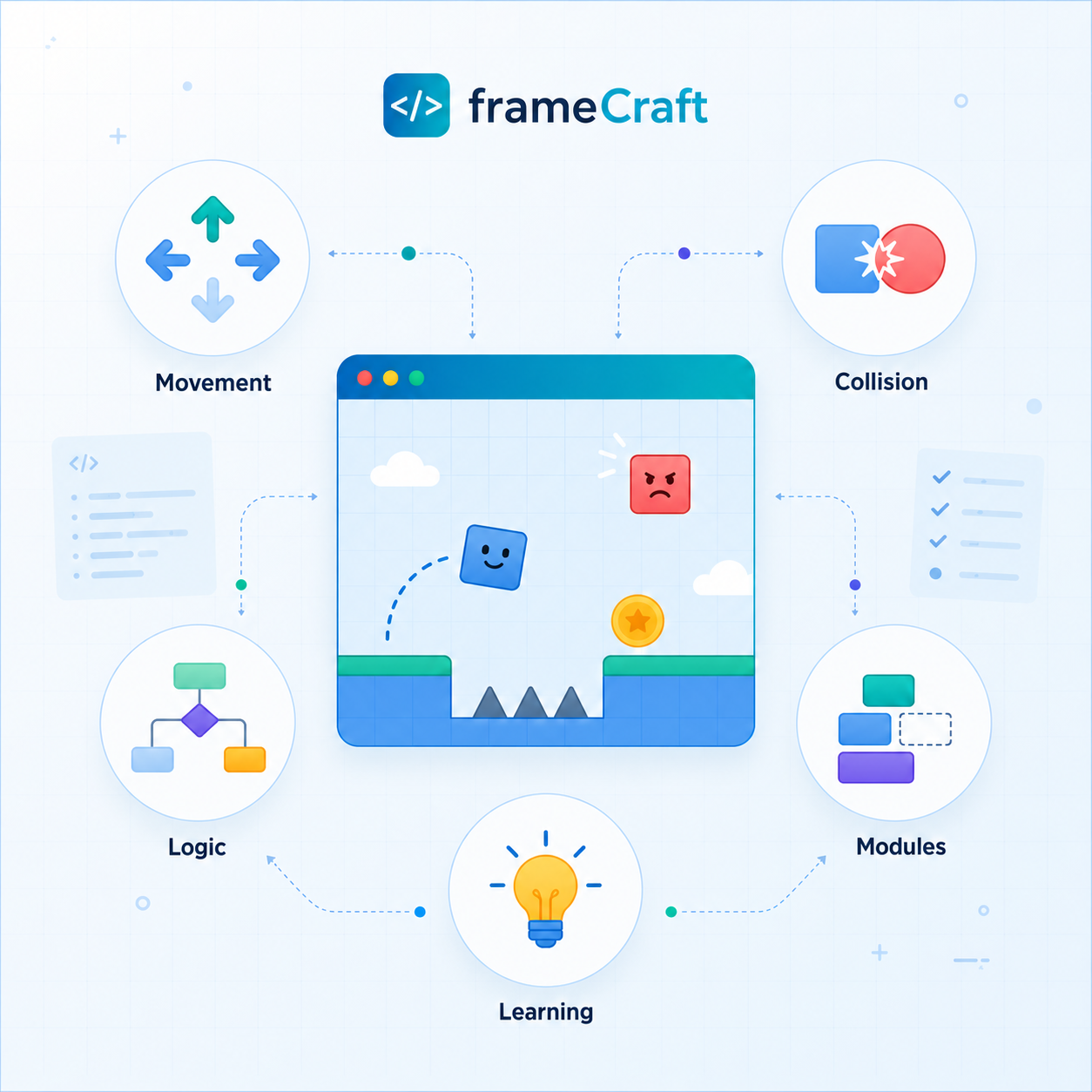
frameCraft is not a traditional game-engine extension, but an educational tool for modern computer science teaching. The library reduces technical barriers without hiding the underlying concepts.
Quick start
Typical pygame components such as the game loop, event handling, and rendering are wrapped in a learner-friendly API. This allows students to create their first working programs more quickly.
Clear structure
Scenes, rules, objects, collisions, and states are clearly separated. This supports understandable code organization and modeling.
Project-based learning
Games, simulations, and visual models grow step by step: from the first object to HUDs, level logic, and final polish.
Educational value
Visible projects create meaningful learning opportunities
Early experiences of success are especially important in the classroom. When characters move, objects collide, or a game state visibly changes, learners experience abstract computer science concepts directly.
This makes it possible to teach core concepts such as modularization, abstraction, algorithmic thinking, data structures, and object-oriented modeling in a practical context.
Open and portable
Start in CodeRoom – continue with Python and pygame
frameCraft is available as an open-source project on GitHub and as a Python package on PyPI. This means that projects created in CodeRoom can also be continued outside the learning platform using standard CPython and pygame.
Open source on GitHub
The frameCraft source code is publicly available. Releases, examples, and ongoing development of the library can be followed directly on GitHub.
Install from PyPI
For local development with standard Python and pygame, frameCraft can be installed directly with pip.
pip install pygame-framecraftCourse collection
Four game projects demonstrate different ways to use frameCraft
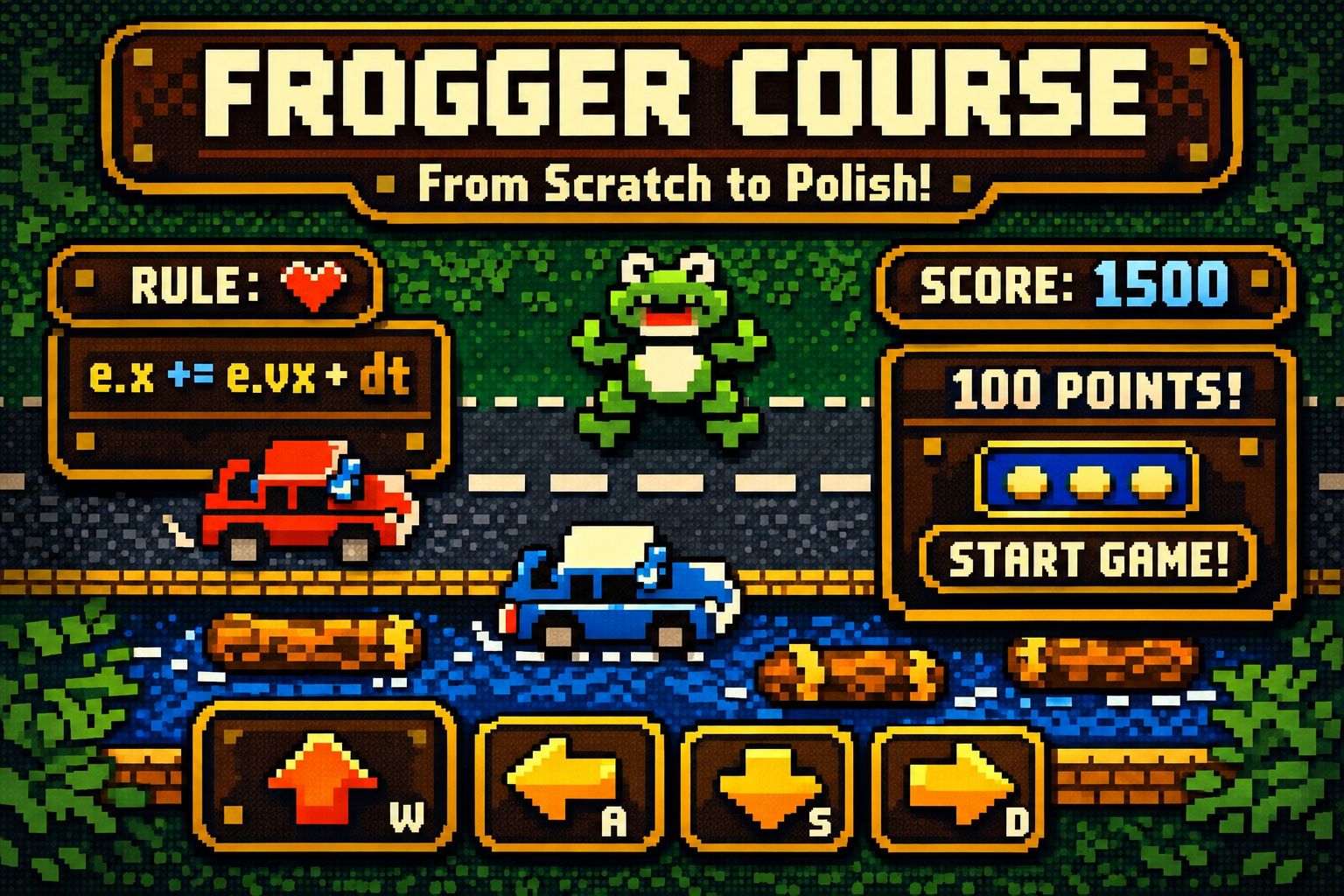
Frogger provides a particularly accessible introduction to movement, traffic lanes, level structure, and collisions. The other projects expand the range of concepts: Breakout focuses on reflection and block grids, Space Invaders introduces object groups and pools, and Flappy Colors Flight combines input, gravity, and increasing difficulty.
Complete Frogger project
The course progresses from the first scene to movement, touch buttons, data-driven cars, lives, win conditions, HUD, restart logic, and graphical polish.
View course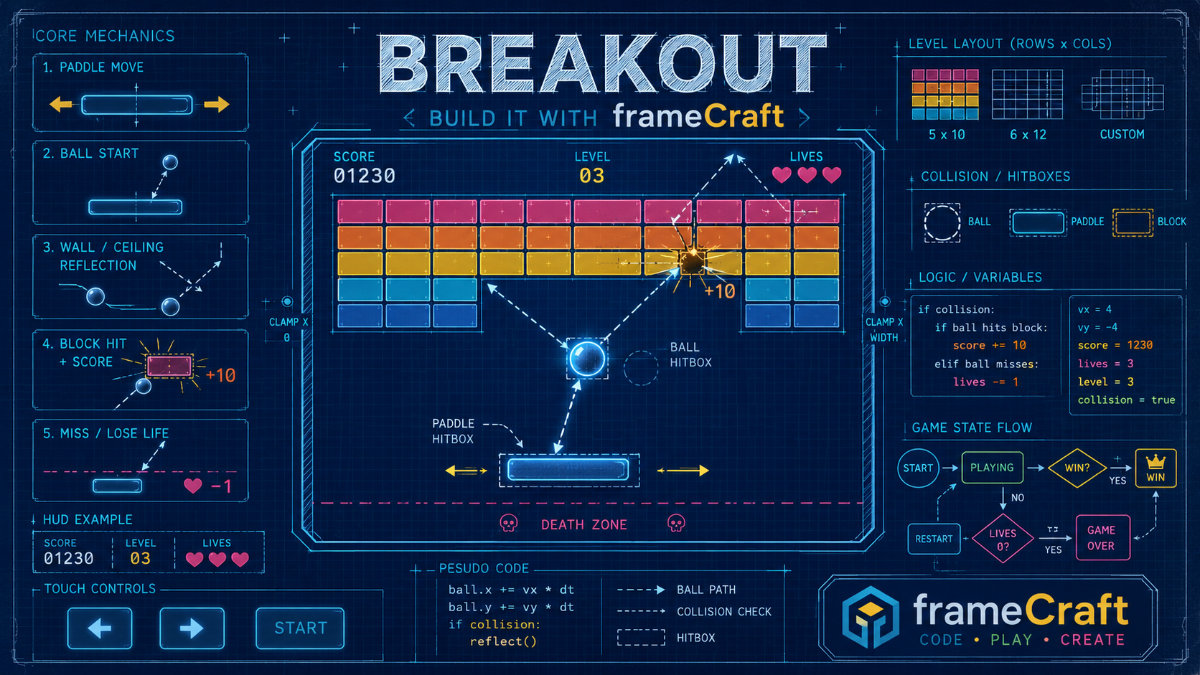
Build Breakout
Breakout focuses game development on the paddle, ball, block grid, reflections, score, lives, death zone, and restart logic.
View course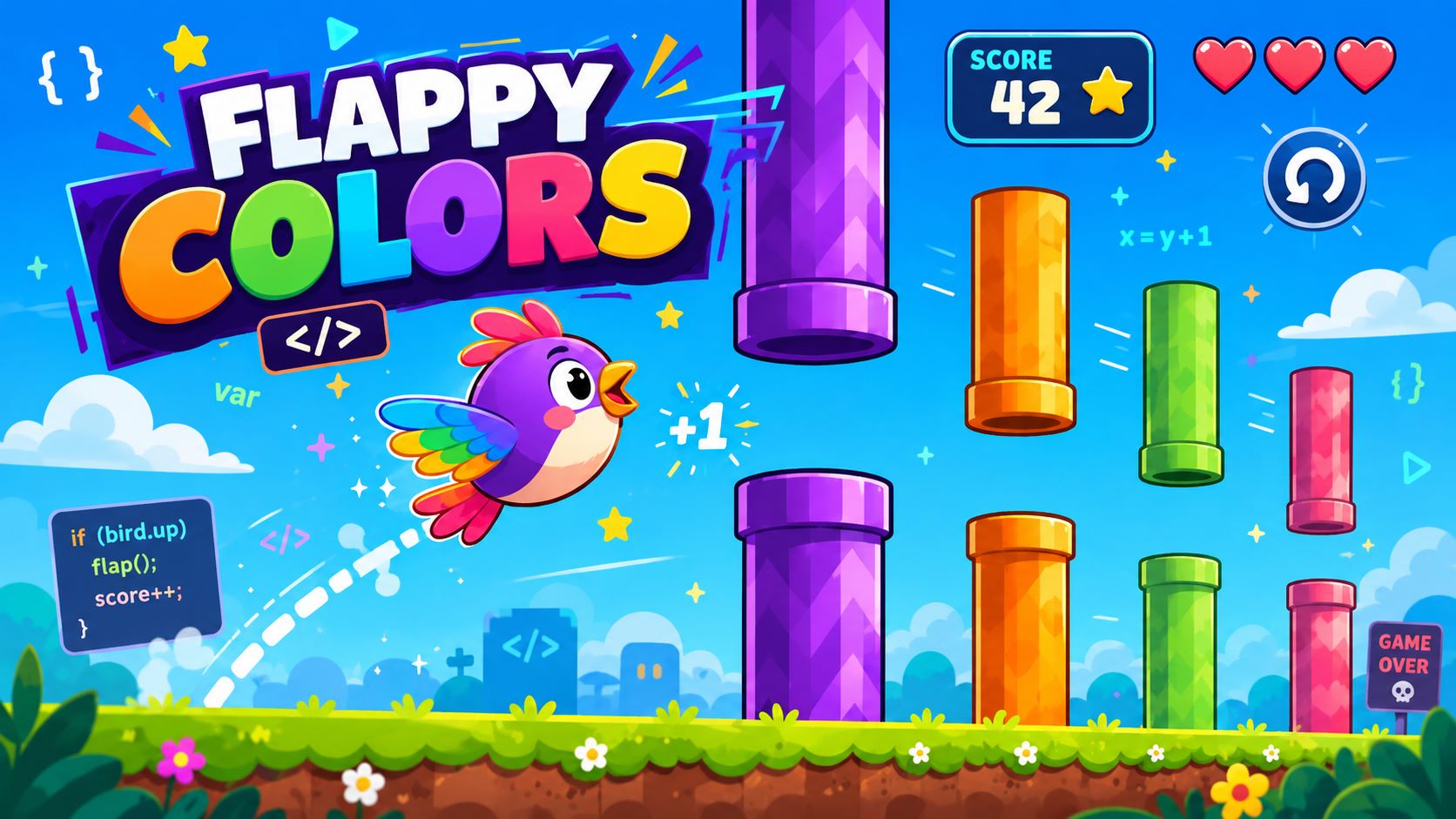
Flappy Colors Flight
The project combines a visible player character, flap input, gravity, pipe pairs, an entity pool, scoring, and increasing difficulty.
View course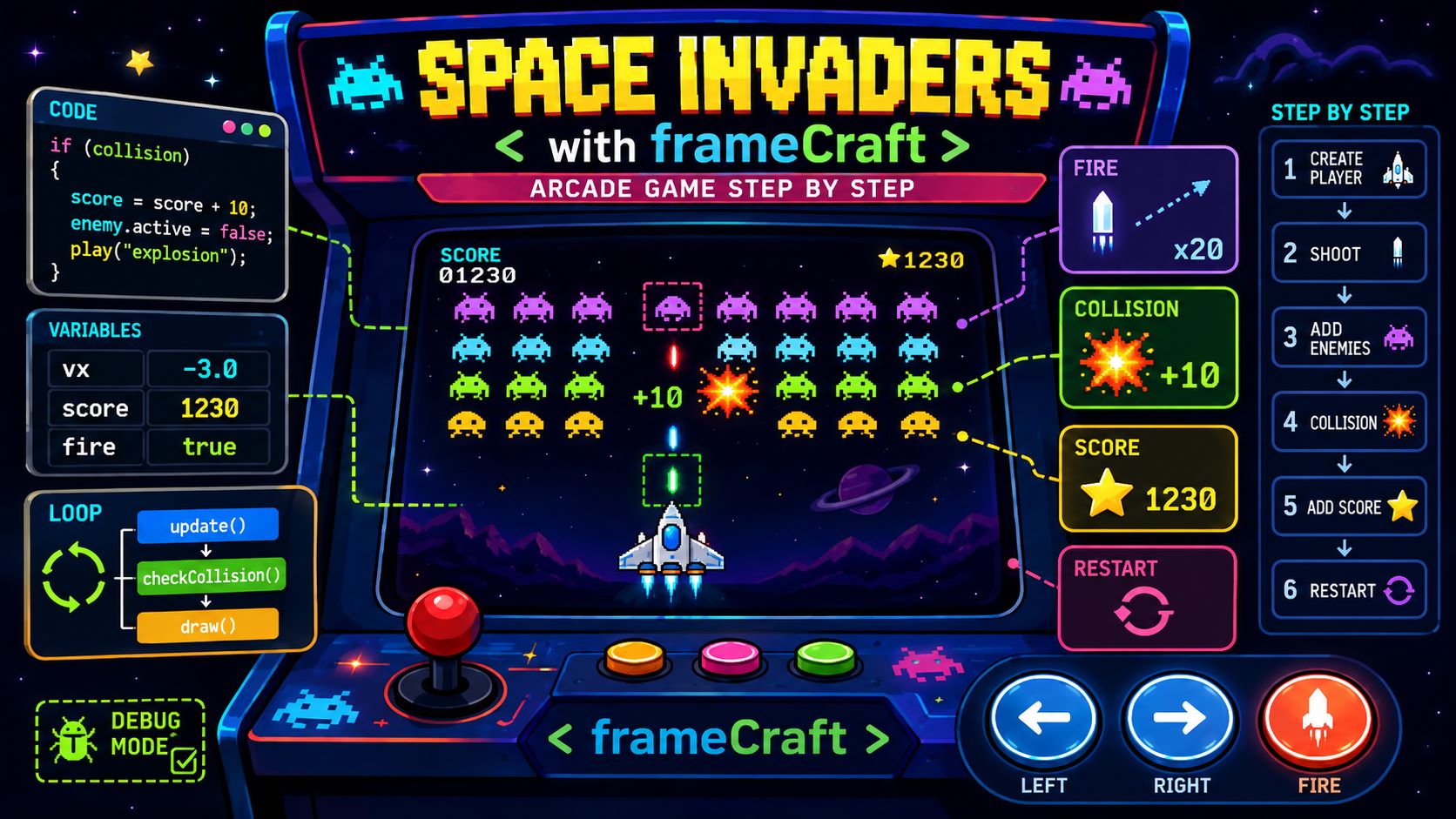
Space Invaders
The arcade prototype demonstrates how projectiles, enemy groups, nested loops, collisions, scoring, states, and effects work together.
View courseChoosing a project
Each project emphasizes different computer science concepts
The courses are more than variations of the same game idea. They support different learning goals and can be selected according to the class, available time, and topic focus.
Frogger: states on the game board
Well suited for exploring traffic lanes, movement in discrete directions, level boundaries, lives, and win conditions.
Breakout: collisions as the core rule
Suitable for lessons on reflection, hit detection, block grids, counters, death zones, and clear game-over mechanics.
Flappy: movement and difficulty
A clear example for velocity, gravity, time-based updates, obstacle recycling, one-time scoring, and game balancing.
Space Invaders: organizing groups of objects
Useful for loops, nested loops, numbered entities, projectile pools, enemy groups, collision handling, and effect pools.
Readable code
Game rules take center stage
With frameCraft, learners do not have to start with engine internals. The central ideas are directly visible in the code: objects use tags, game states are stored in the scene, and rules and collisions change the game.
- Tags connect related objects logically.
- ctx.vars stores game state such as lives, score, or game over.
- Collision handlers make event-driven logic explicit and readable.
import frameCraft as fc
FROG_START_X = 160
FROG_START_Y = 180
CAR_WIDTH = 46
CAR_HEIGHT = 20
fc.GAME(
    "Frogger - Collisions",
    window=(320, 200),
    fps=30,
    background=(30, 120, 40)
)
fc.SCENE("main", lives=5, game_over=False)
@fc.SCENE_BUILD("main")
def build(ctx):
    fc.ENTITY("frog", pos=(FROG_START_X, FROG_START_Y), tag="frog")
    fc.RECT("frog", 24, 24, trigger=True)
    fc.ENTITY("car_0", pos=(40, 100), tag="car")
    fc.RECT("car_0", CAR_WIDTH, CAR_HEIGHT, trigger=True)
    fc.VEL("car_0", 90, 0)
    def on_car_collision(ctx, frog, car):
        if ctx.vars.get("game_over"):
            return
        ctx.vars["lives"] -= 1
        if ctx.vars["lives"] <= 0:
            ctx.vars["game_over"] = True
            frog.alive = False
        else:
            frog.x = FROG_START_X
            frog.y = FROG_START_Y
    fc.ON_COLLIDE("frog", "car", on_car_collision)
fc.START("main")
Typical classroom projects
frameCraft is not limited to arcade games
The same structure can be used for classic games, simulations, mathematical visualizations, and creative experiments. This makes frameCraft suitable both for computer science lessons and interdisciplinary STEM projects.
Classic games
Snake, Breakout, Tetris, Pong, Frogger, and other small arcade games are ideal for modeling movement, collisions, and game states.
Simulations
Motion, velocity, momentum, collisions, waves, oscillations, and agent-based models can be explored as dynamic systems.
Creative visualizations
Symmetry, patterns, color spaces, generative images, and data visualizations connect programming with creative design.

Built for schools
Browser-based, structured, and flexible
By combining a pygame-based approach, browser-based execution in CodeRoom, and a didactically reduced API, frameCraft becomes a practical tool for lessons, projects, differentiated learning, and short classroom activities.
Teachers benefit from clear building blocks and faster project setup. Students benefit from visible results, creative tasks, and an approach that remains connected to core computer science concepts.
Next step
frameCraft turns pygame into a tool for active computer science learning
Accessible, structured, and project-based: students create their own interactive programs while learning core concepts such as conditions, loops, functions, states, collisions, data structures, and modeling.