Course Template
Flappy Color Flight
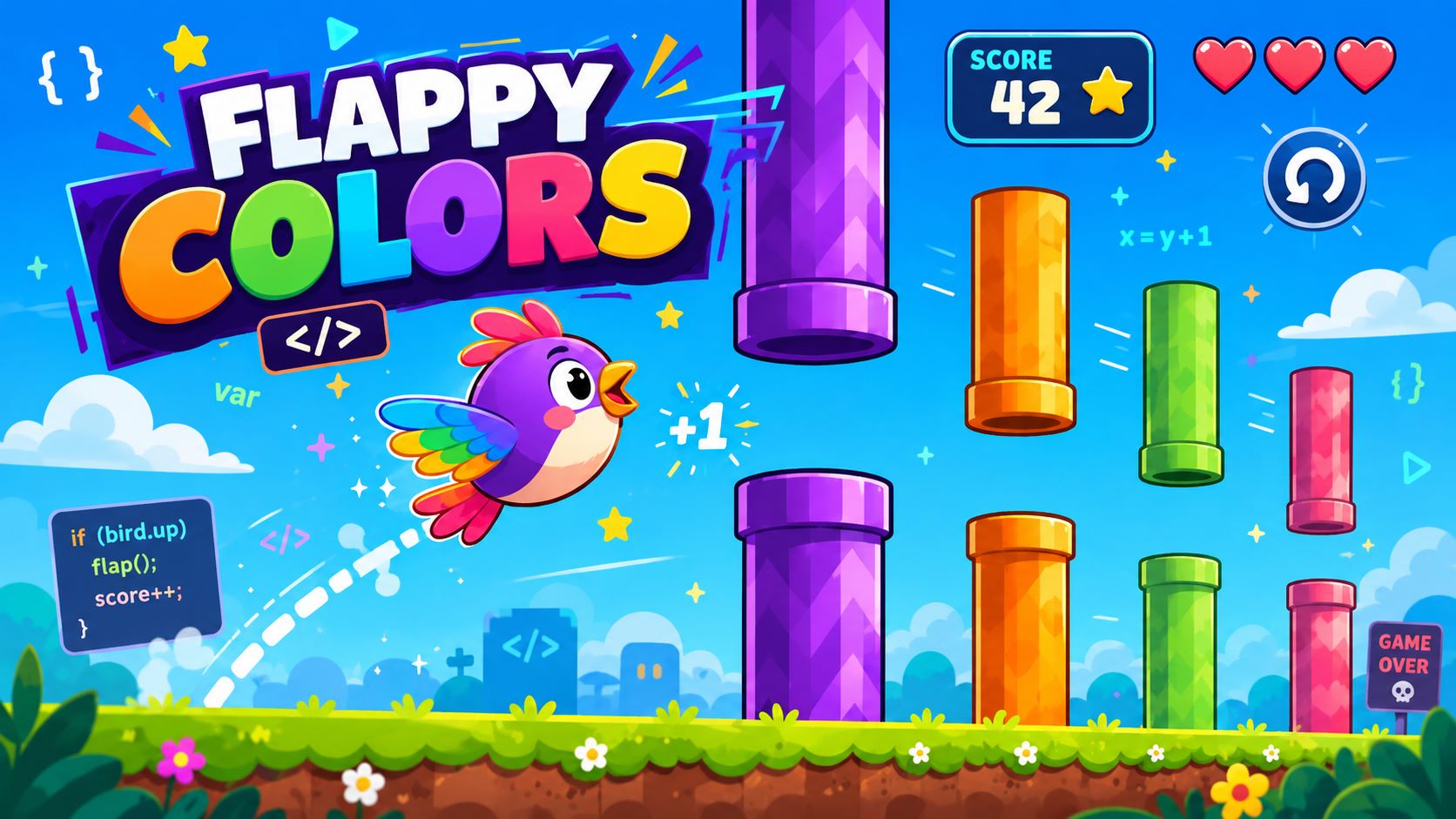
Learners develop a simple Flappy Bird-style game with frameCraft in 12 consecutive steps. They create the game window, bird, input controls, gravity, obstacles, collisions, scoring, increasing difficulty, game over, and restart.
Learning Objectives
This template provides a step-by-step introduction to developing a simple Flappy Bird-style game with frameCraft, combining visible game objects with input, movement, and game states. The focus is on setting up a game window, modeling entities with colliders and GFX shapes, and implementing structured rules for controls, gravity, obstacles, and collisions. Skills progress from **scene setup** and **time-based movement** to complete **game mechanics** including scoring, increasing difficulty, game over, and restart. The template focuses on game development with frameCraft and particularly supports an understanding of modeling, state management, and incremental implementation.
Key Skills
The template combines technical and methodological aspects of frameCraft-based game development in a clear progression.
- Model game structure: The game window, scene, scene setup, sky, ground, and decorations are created as the basic frameCraft structure.
- Model entities: The bird, ground, ceiling, and obstacles are implemented as game objects using entities, colliders, tags, and GFX shapes.
- Abstract input: Keyboard and touch input are combined into actions and protected against repeated impulses with an input lock.
- Implement time-based movement: Bird physics and obstacle movement use velocity, gravity, and ctx.dt for frame-rate-independent updates.
- Control collisions and states: Trigger colliders, tags, and collision handlers cause game over and stop the game logic using a stored game state.
- Reuse objects: Obstacles are managed as numbered entity pools, moved synchronously, and repositioned after leaving the screen.
- Expand game mechanics: Scoring, one-time scoring per obstacle, increasing difficulty, visual feedback, and restart complete the gameplay loop.
Module Structure
The modules develop the prototype from a static scene through the player character and its physics to obstacle logic, scoring, balancing, and finally restarting the game.

Basic Structure with Sky and Ground
This module establishes the structural foundation of the game world using GAME, SCENE, constants, sky, ground, rectangle GFX, and an empty rule.

The Bird Appears
This module introduces the bird as the central game character and combines entities, colliders, center-point logic, constants, and a prepared graphics function.

Flapping with Actions
This module abstracts keyboard and touch input into a flap action and introduces a lock to ensure individual jump impulses.

Bird Physics with Gravity
This module adds time-based physics by storing vogel_vy in ctx.vars, modifying it with gravity, and updating the y-position using ctx.dt.

Collision and Game Over
This module combines tags, trigger colliders, collision handlers, and spiel_zustand so that contact with hazardous objects triggers the game-over state.

First Obstacle Pair
This module expands the game world with a static pair of pipes and demonstrates how the upper pipe, lower pipe, and shared gap are calculated.

Moving Obstacles
This module turns the obstacle pair into synchronously moving objects and uses tempo and ctx.dt for time-based movement while the game is in the laeuft state.

Reusing Obstacles
This module introduces reuse by repositioning the existing pipe pair on the right after it leaves the screen and updating it with a new gap.

Multiple Pipe Pairs
This module scales the obstacle logic to an entity pool with numbered pipe pairs, loops, consistent spacing, and recycling behind the furthest pipe.

Count Points Once
This module adds robust scoring in which each obstacle pair is counted only once after the bird has completely passed it, using pipe_gezaehlt.

Increasing Difficulty
This module connects scoring with game balancing by adjusting speed and gap size in a controlled way using constants, clamp, and a HUD display.

Complete Flappy Color Flight
This module combines color and gap patterns, obstacle collisions, game-over UI, and restart with an input lock to create a complete gameplay loop.
The clearly connected modules make learning objectives, technical concepts, and game mechanics transparent. This makes the template easy to integrate into classroom units focusing on game development with frameCraft.
With a demo account, you can try the template and adapt the modules to your learners. The educational structure remains intact while allowing you to flexibly adjust the focus and scope.